Suunto integration details
- Log in to the Good Coach App as an athlete and open Integrations (in the browser app from the menu with your name in the top right corner, in the mobile app from More (⋮) in the bottom bar). See How do I link my account to an external service? for more information.
- Open the Suunto card and click "Connect".
- The system will redirect you securely to the Suunto login page, where you will give the Good Coach App permission to download your workouts.
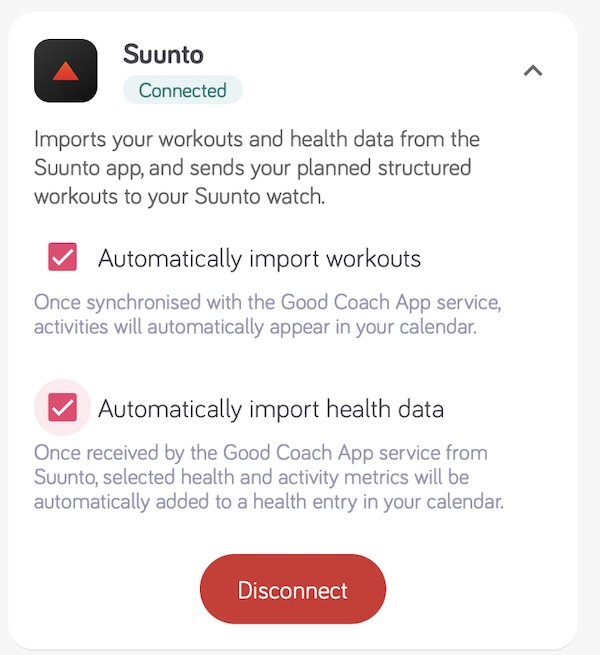
- Once you have successfully connected, you will return to the Good Coach App where you will see that the status on the card has changed to "Connected".
- Enable Automatically import workouts so that workouts appear in the calendar on their own, and Automatically import health data if you also want your health data. See more.
Remember
Only workouts completed after the connection was made will be available to the Good Coach App. You will not see earlier workouts.
Important
Make sure you log in to Suunto using the same login credentials you use to log in to the Suunto app you sync your watch with.