Exporting workouts to Coros
Activating export to Coros
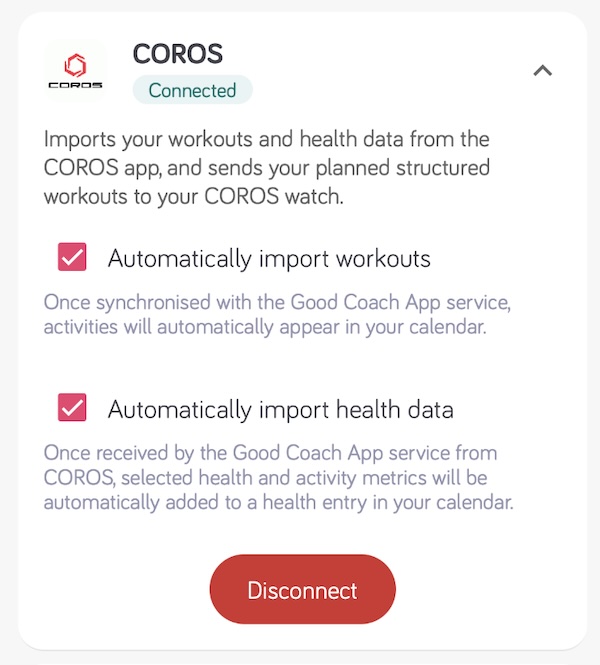
After connecting to the Coros service, data export happens automatically.
How does it work?
Only workout plans are sent to Coros. A competition is a race entry rather than a structured session, so it is never exported to your watch or to any external platform. For a structured session on race day, add it as a separate workout plan.
The app gives athletes the ability to export their workout plan to the Coros calendar.
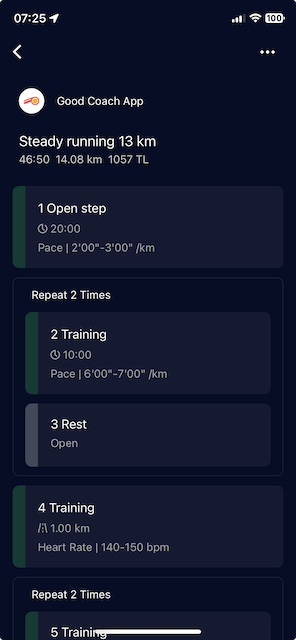
Once enabled, every time the coach publishes or updates a workout, it is automatically sent to the Coros calendar within seconds. Workouts are also updated when changed or moved to another date, and removed if deleted. After synchronizing the watch, the workouts will appear on it automatically.
To confirm a workout was successfully exported, open the workout details in Good Coach App and look for the green badge next to Coros.
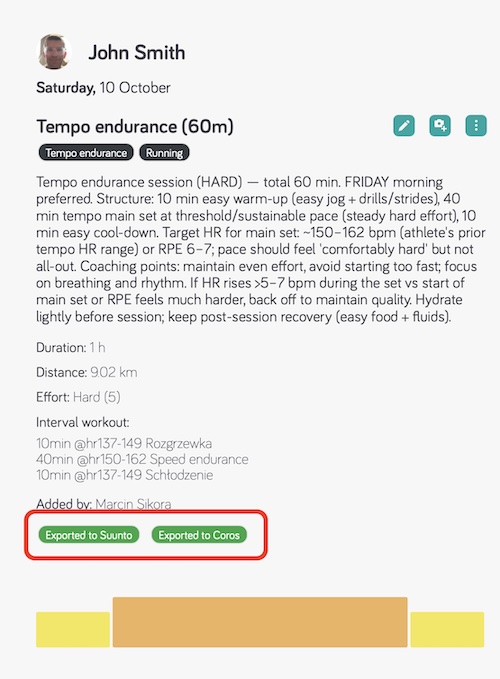
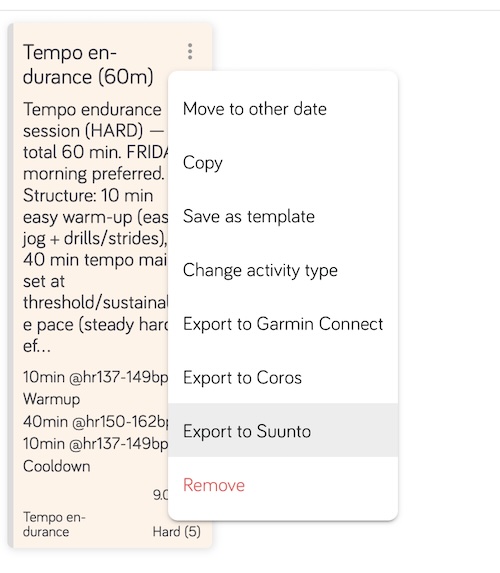
If the badge is missing, or you think something went wrong, you can send the workout again yourself: open the menu (⋮) on the workout in the calendar and choose Export to Coros.
How steps are converted
| In Good Coach App | On the COROS watch |
|---|---|
| Sport types | Running, cycling, swimming and strength only. Other sport types are not sent |
| Duration: time, distance | Sent as they are |
| Duration: calories | Not supported |
| Duration: until lap pressed (Open) | Converted to a 20-minute step - finish it with the lap button. The one exception: a repetition of exactly two steps whose second step is a Rest or Recovery step without a target keeps that step open |
| Target: heart rate, pace, speed | Sent as they are |
| Target: power | Sent as it is. Power 3s, 10s and 30s are converted to standard power |
| Target: cadence | Running workouts only. Ignored for other sports |
| Target: RPE | Shown as text in the step description, without a target |
| Strength workouts | Sent, but may not look as expected on the watch |
| Changes and deletions | Applied in the COROS calendar automatically |
The interval workout editor shows a yellow label for each case that is not sent as built. Compare all platforms: Differences in exporting interval workouts.
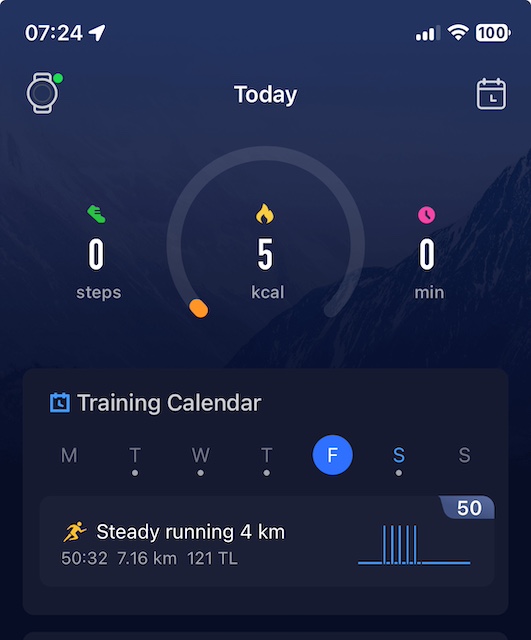
Coros calendar view in the Coros application